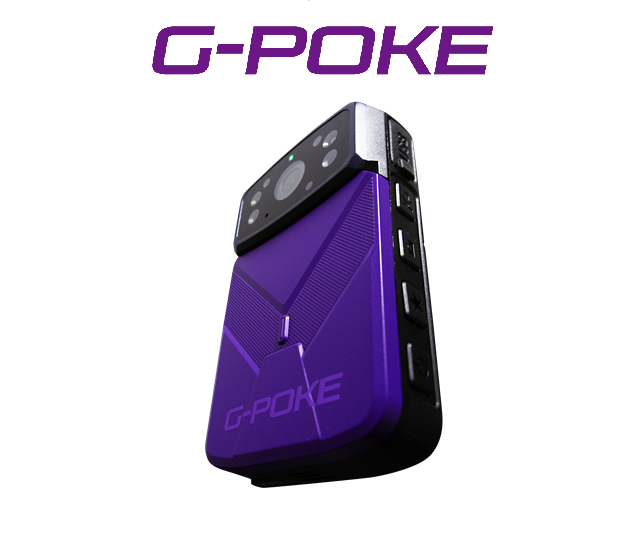
Wearable Camera "G-POKE"
Locations
* Click to view the location page
Wearable Camera "G-POKE"
A wearable camera that makes remote site inspections easy
Equipped with Zoom and Teams, which start up with a single touch!
Easily join online meetings with high-quality video and audio directly from the site.
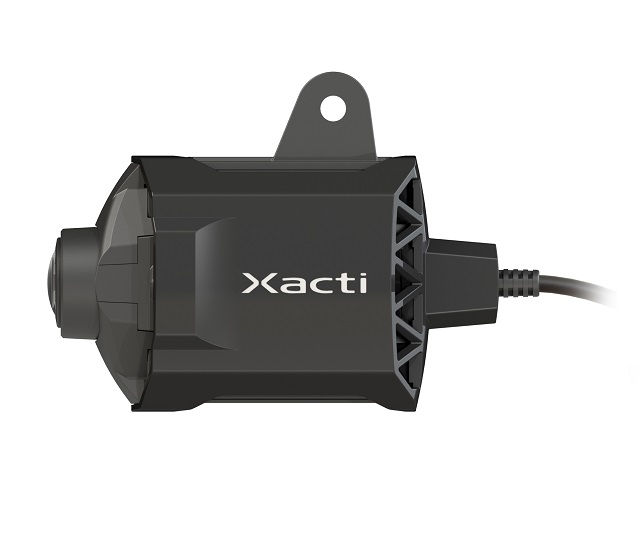
Communicate on the go without needing any external accessories.
Improves operational efficiency, enhances safety measures, and reduces the burden of site management.
- NETIS Registered Products
NETIS Registration Number: KT-240102-A
Features
- Peace of mind with IP67 waterproof and dustproof ratings | All-weather design usable even in harsh environments
- Set up and wear according to your site needs | Freely attachable to chests, helmets, tripods, single pipes, and more
- Night vision function | Clear footage even in the dark with night vision
- Group calls between G-POKE devices | Select the device you want to talk to and start
- Equipped with a laser pointer | Point the laser at the target, and G-POKE centers it in the viewer display
-
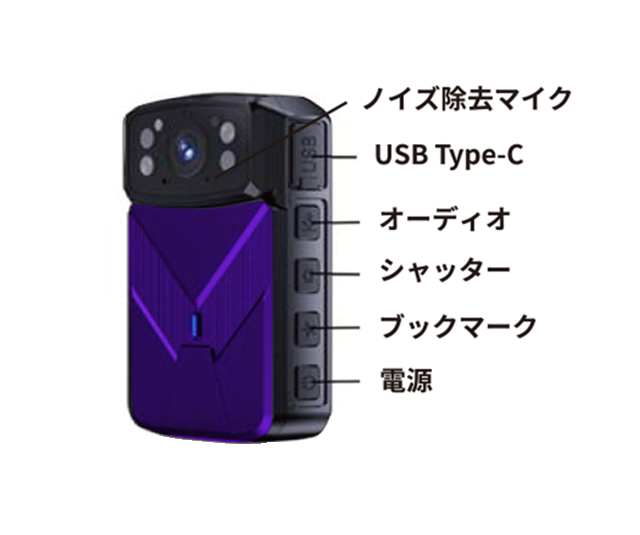
■ Component Names (1) -
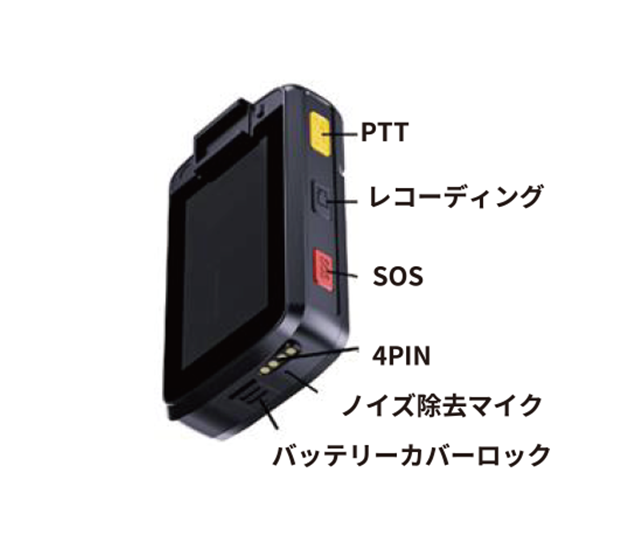
■ Component Names (2) -
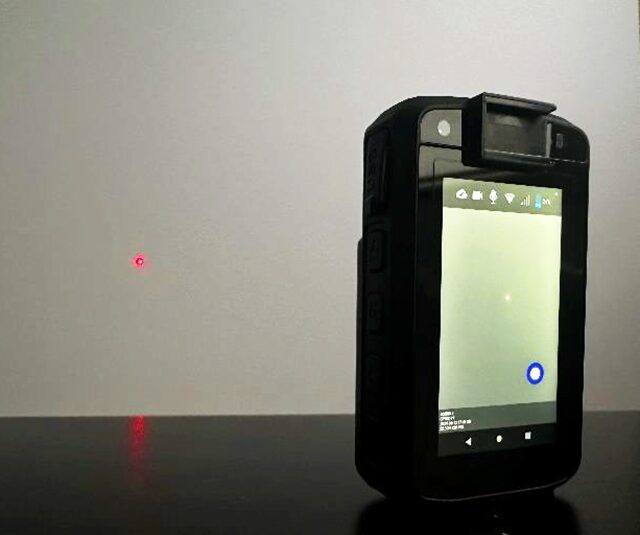
■ Equipped with Laser Pointer
Specifications
Wearable Camera "G-POKE"
| Dimensions (mm) | 100×60×23 |
|---|---|
| Weight (kg) | 165 |
| Device Configuration | Integrated Type |
| Snapshot | 5 Megapixels (adjustable) |
| Recorded Video | 4 Megapixels (adjustable) |
| Waterproof and Dustproof Performance | IP67 |
| Earphone Connection | USB Type-C or Bluetooth |
| Display Size | 3.1 inches |
| LTE | nano SIM |
| Operating temperature | -40°C to 60°C |
| Battery Operating Time | Up to 8 hours |
| Automatic Recording | Available in both offline and online modes |
| Recording File Download | Available in both offline and online modes |
Part Names and Functions
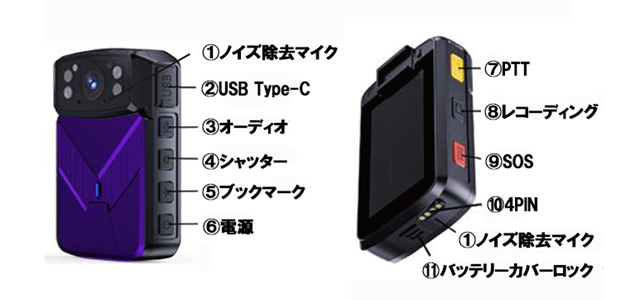
| ① Noise-Canceling Microphone | A microphone equipped with a noise-canceling function. |
| ② USB Type-C | Can be used for charging, data transfer, and earphones. |
| ③ Audio | Double-tap the audio button to start recording, and double-tap again to stop recording. |
| ④ Shutter | Double-tap the shutter button to take a photo. |
| ⑤ Bookmark | Double-tap the bookmark button to start recording with a bookmark added to the file. Double-tap again to end the bookmarked recording file. |
| ⑥ Power | Press and hold the power button to turn the power on/off, and press it briefly to turn the screen on/off. |
| ⑦ PTT | Press and hold the PTT button to send audio to the VMS on the PC side. To use the intercom function between devices, press and hold to start audio communication. |
| ⑧ Recording | Double-tap the recording button to start recording, and double-tap again to stop recording. |
| ⑨ SOS | Press and hold the SOS button to start recording, and the recording file will be saved in the SOS folder. Press and hold again to stop recording. |
| ⑩4PIN | Used when connecting to the charging dock for charging. |
| ⑪ Battery Cover Lock | Slide the battery cover lock down to open the battery cover. |
Main Functions
|
Live Video |
Speaker Intercom |
One-Touch Display |
IP67 Dustproof and Waterproof |
Anti-Shake |
|
Up to 5 Megapixel Photos |
Night Vision |
LED Light |
When viewing G-POKE only |
When viewing together with G-cam |










Related Equipment
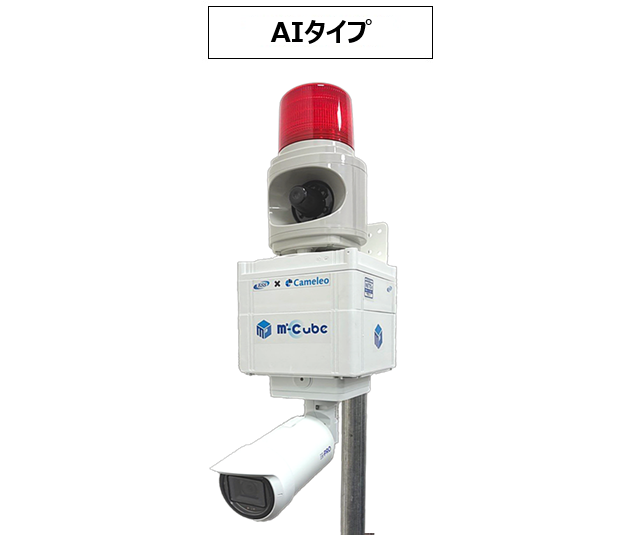
Mobile Camera "M-Cube"
Easily attachable with single-pipe clamps. Simply plug the power cord into an outlet.
With built-in mobile communication, footage can be viewed on PCs and smartphone apps.
Main unit recording specifications are also available, allowing you to choose according to your site.
Rentals are available for periods ranging from short terms of 2 weeks to long terms.
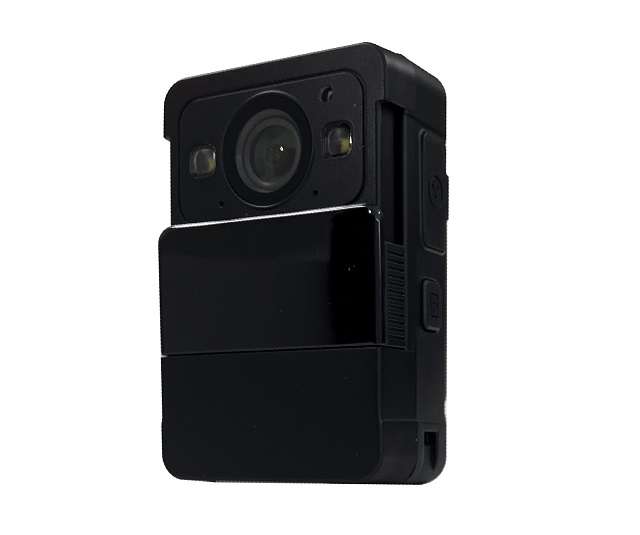
遠隔臨場システム「N‐POKE Plus」
Check site footage remotely in real time and communicate directly.
Ideal for remote site inspections and walkthroughs.
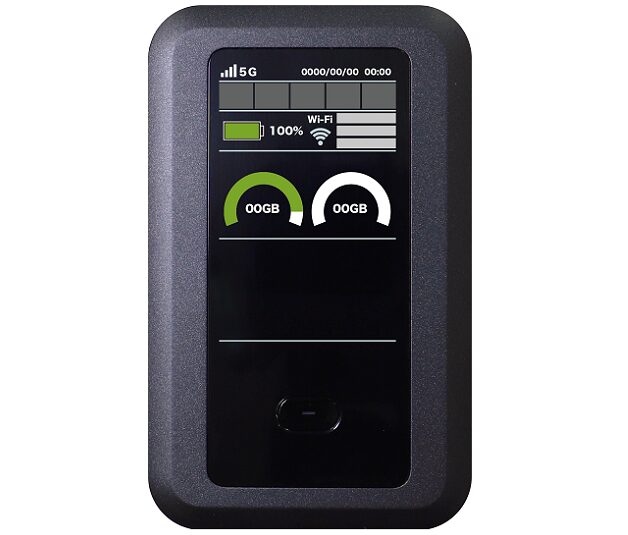
モバイルルーター「GENBA-Net 5G」
A 5G mobile router equipped with 3 carriers.
Ideal for sites where optical fiber lines are difficult to install due to conditions, or in areas where only certain carriers are available.
Also Recommended as a support item for remote site inspections.